
Electronic drum module buying guide Malaysia
The drum module determines sounds, practice functions and connections, but a USB socket or a large sound count alone does not tell you whether a kit suits your recording or learning setup. Use this checklist when comparing electronic drums in Malaysia, and test the exact supplied module with your device before purchasing.
By Soma Music · Updated 2 November 2026 · Retailer buying advice
Start with the job you need the module to do
For headphone practice, check the headphone socket, comfortable monitoring level, metronome and a way to hear backing tracks. For recording, decide whether you want the module’s sound or MIDI notes that trigger software sounds. For lessons, ask whether your teacher’s app and device can connect to the exact kit revision.
USB MIDI and USB audio are different capabilities
MIDI carries performance instructions, such as which pad was struck. Audio carries sound. A USB MIDI feature does not establish USB audio recording. Ask to demonstrate the exact connection, driver, operating system and cable needed for your workflow. If recording the analogue output, confirm whether a separate audio interface is required.
Check what Bluetooth actually supports
Bluetooth audio for playing songs into a module is a different function from Bluetooth MIDI. Do not assume either means the module can transmit drum sounds to wireless headphones. Roland’s linked TD-17 support example explicitly describes one-way phone-to-module audio; that example explains why each model’s documentation matters, rather than proving a feature on Hampback or Nimbus.
Trigger zones and compatibility need a practical check
Check the module together with its supplied pads: snare head and rim, cymbal bow and edge, ride bell where documented, choke response and hi-hat openings. A pad advertised with more zones will not necessarily work fully with a different module. Ask for a supported pad list before replacing or adding components.
- Play soft strokes and increasing accents to hear dynamic changes.
- Test rim, edge, bell and choke functions only where the kit claims them.
- Check hi-hat foot operation, kick technique and any extra input before buying an expansion.
- Try headphone and backing-track balance, then record and play back a short example.
What is confirmed for Soma’s Nimbus and Hampback options?
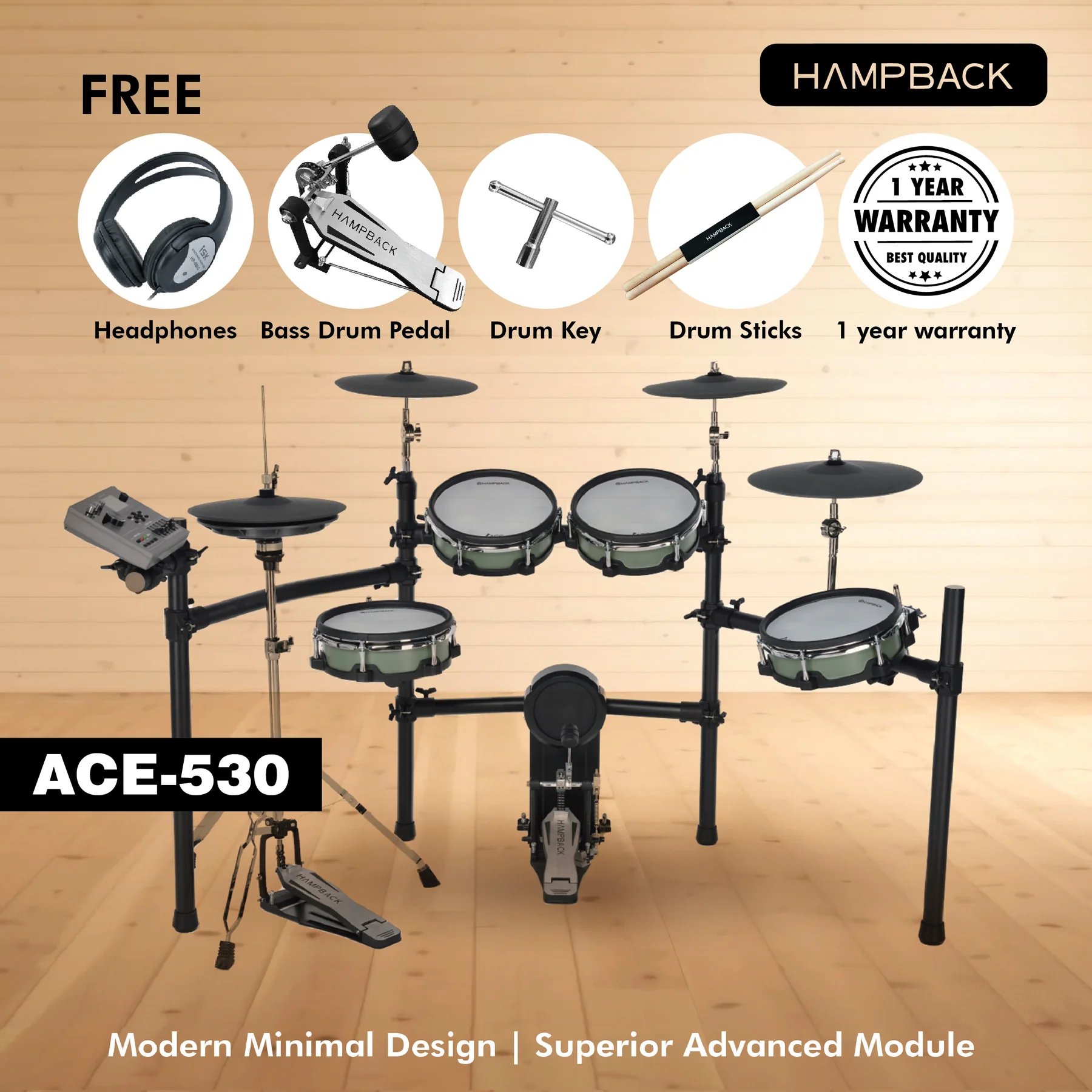
MK0 Pro’s published features include USB MIDI. Nimbus D-1000 / CPD-1000’s published features include USB MIDI, AUX and headphones. Nimbus’s Progenitor launch information lists Bluetooth audio, MIDI, recording, 13 preset kits and 8 user kits; its exact module model and MIDI connector are not confirmed here. Open the Hampback ACE product pages for manufacturer-linked specifications. Do not infer USB audio, app support or pad interchangeability from these summaries.
Get the complete connection quotation
Ask Soma Music for the instrument, any interface, suitable cables, headphones, throne, delivery and setup charges as separate items. Bring your device details when arranging a demonstration in Ampang, Kuala Lumpur. Malaysia-wide delivery is available; fees and timing depend on the quotation.
Choose the module that demonstrates your actual practice or recording workflow. More sounds, Bluetooth or a USB socket are comparison points, not proof of compatibility or better sound.